
Design
Create precise parametric sketches using dimensions, constraints, and engineering intent.
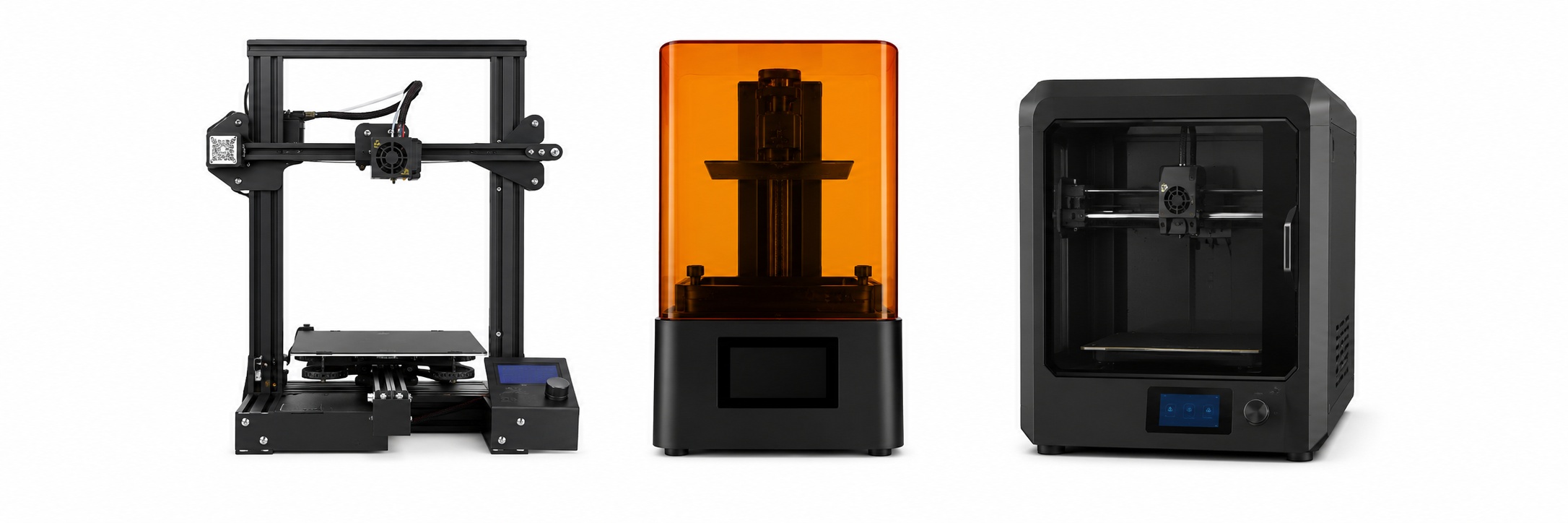
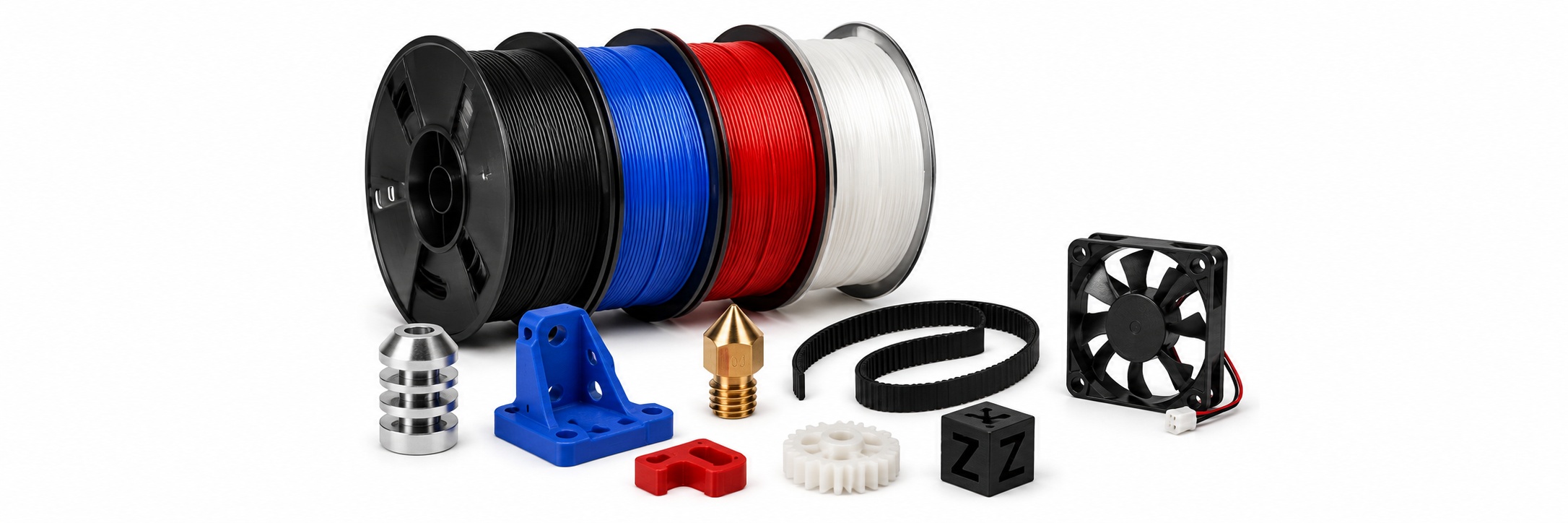
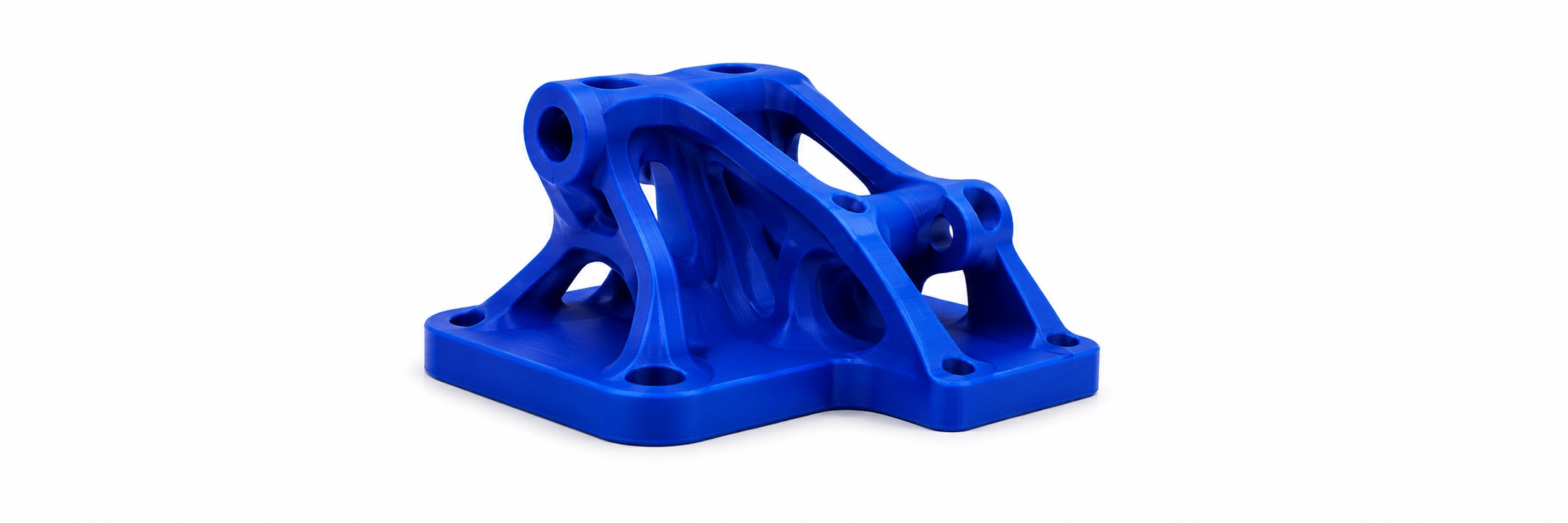

Take ideas further with Fusion 360. Students learn parametric CAD, mechanical design, assemblies, and prototyping through hands-on engineering projects.
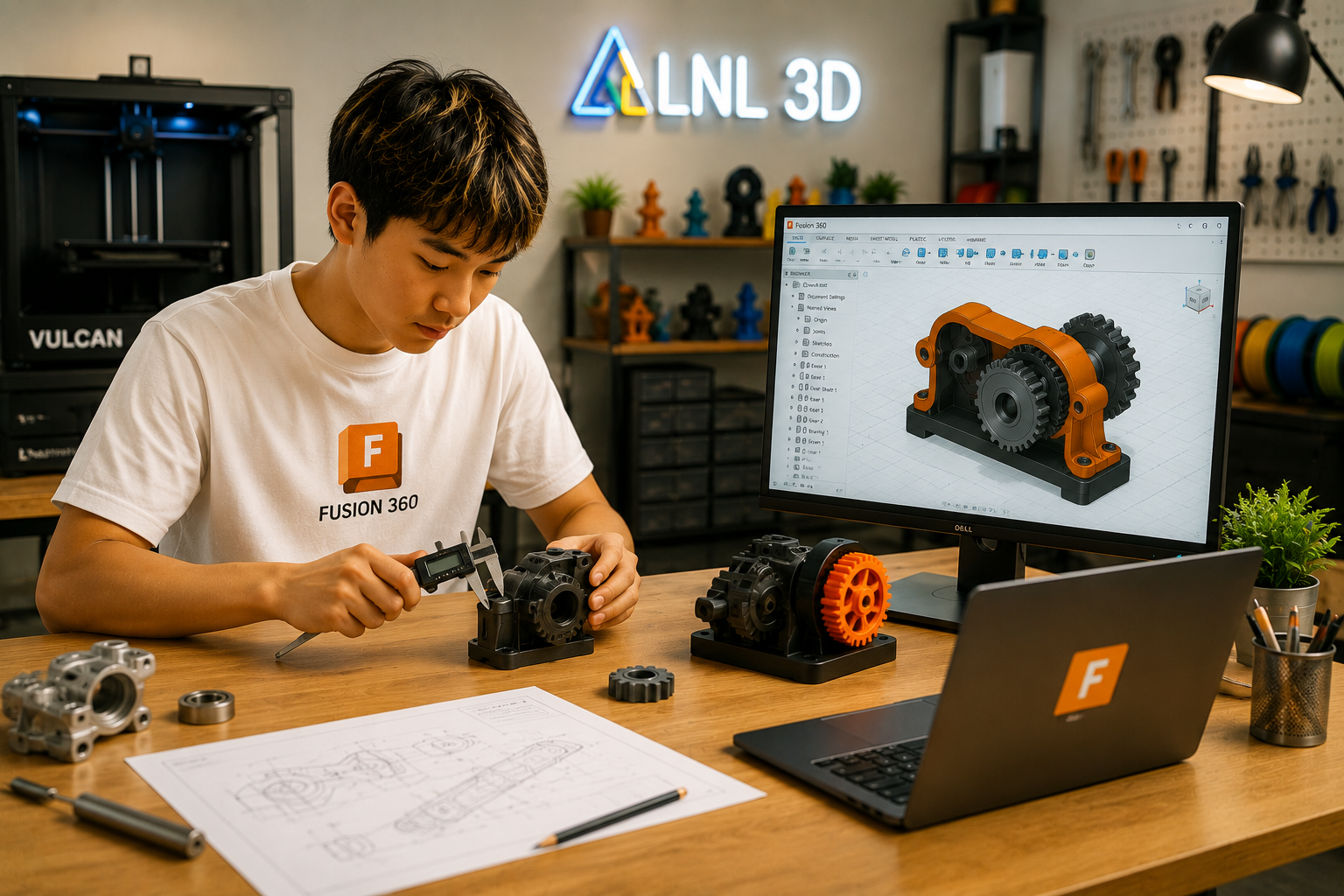
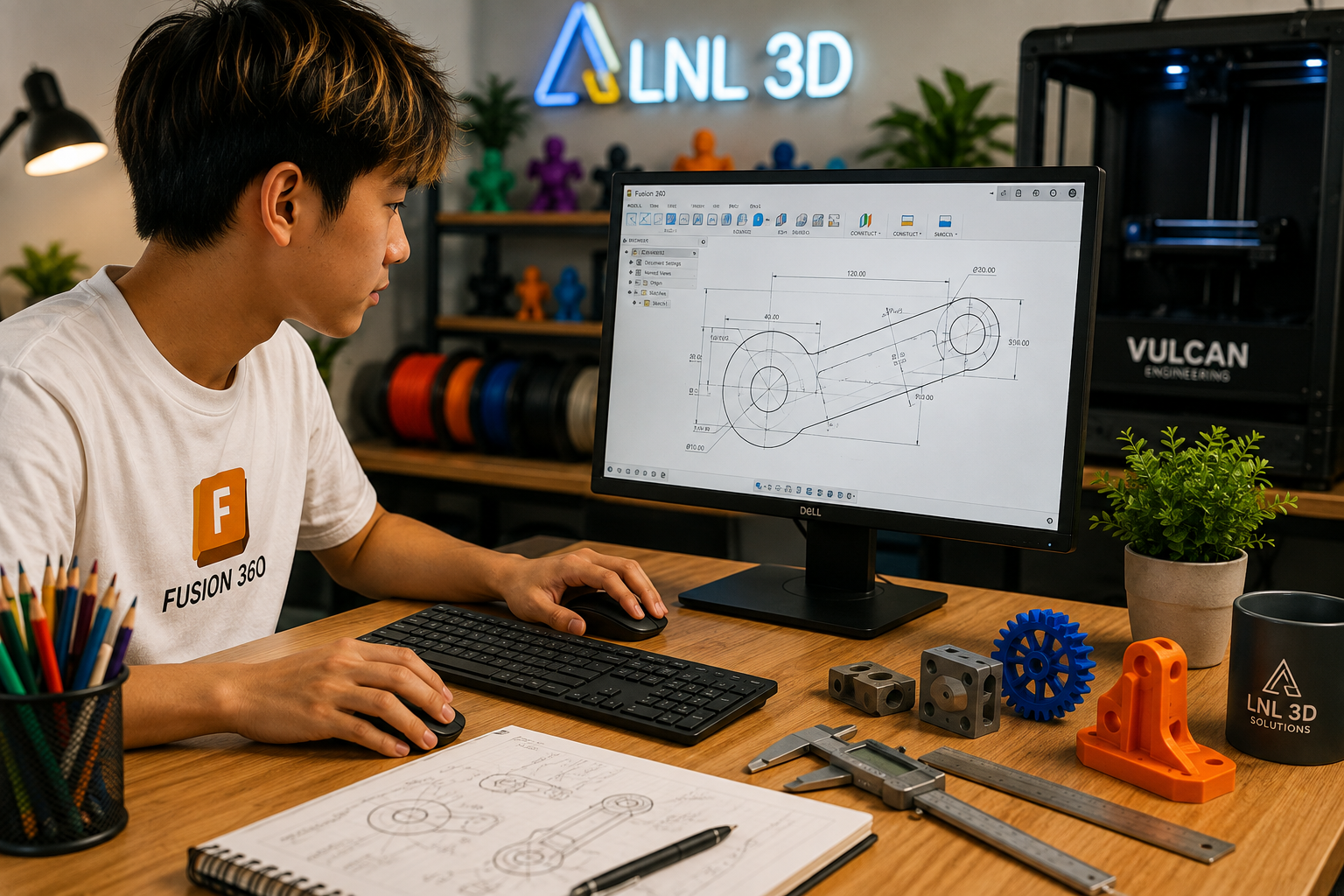
Create precise parametric sketches using dimensions, constraints, and engineering intent.
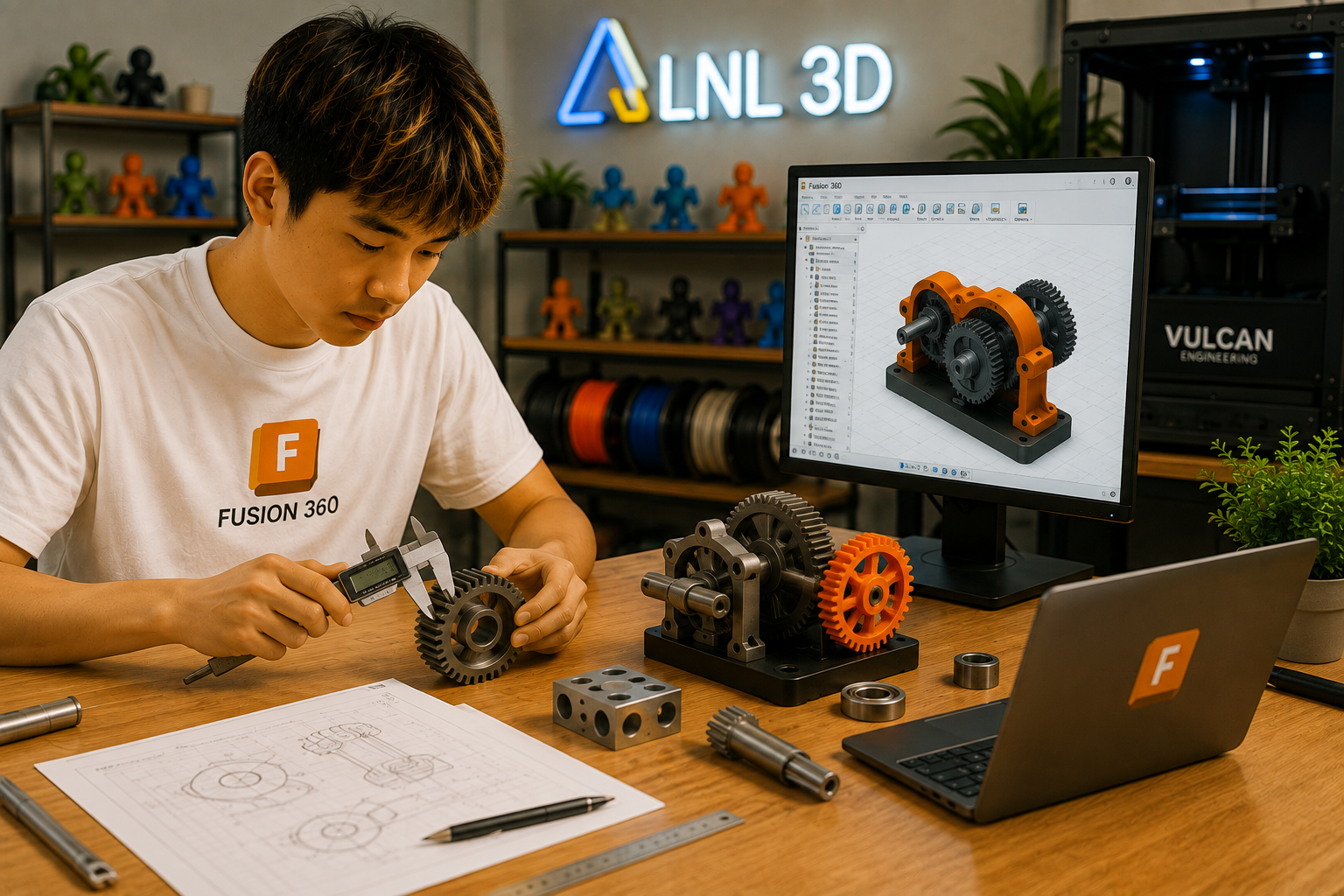
Develop functional parts, mechanical features, assemblies, tolerances, and design iterations.
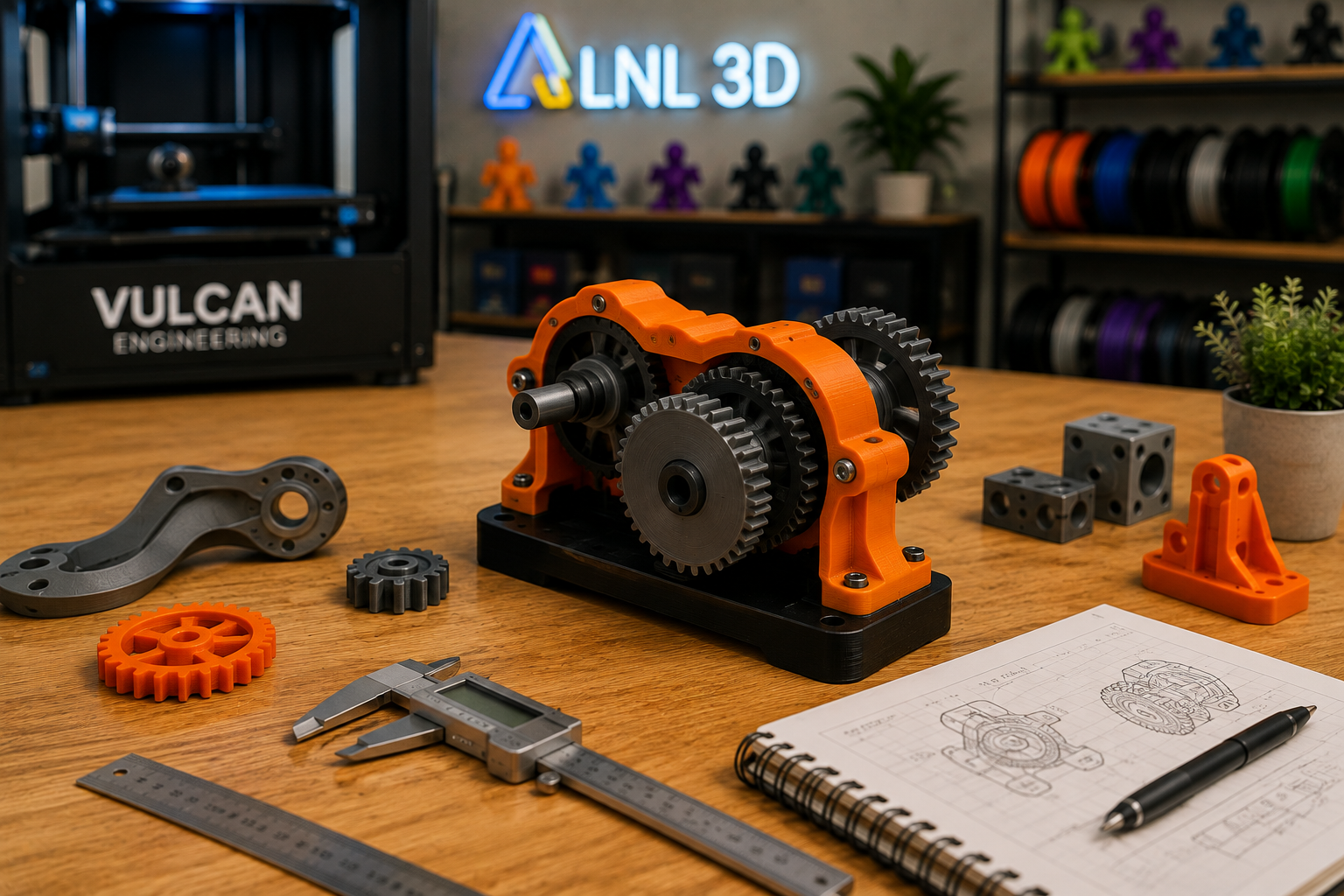
Prepare designs for 3D printing, build prototypes, assemble components, test performance, and improve the design.
Learn Fusion 360 workspace, sketches, dimensions and constraints
Design functional parts with engineering intent
Build and evaluate connected mechanical components
Prepare accurate, printable engineering parts
Design, print, assemble, test and improve real prototypes
Students complete the full engineering cycle from CAD design to 3D printed prototype, assembly, testing, and design improvement.
Choose a session that works best for your student.
Students progress from parametric CAD fundamentals to functional mechanical design, assemblies, prototyping, and engineering iteration.
Navigate the Fusion 360 interface, browser, timeline, views and core modeling tools.
Create accurate sketches using dimensions, constraints and engineering intent.
Use extrude, revolve, fillet, chamfer, patterns and other feature-based tools.
Design functional components that fit, move and work together.
Organize components and understand how mechanical parts interact.
Learn practical clearances and design decisions for 3D printed assemblies.
Prepare engineering models for reliable prototyping and fabrication.
Evaluate prototypes, identify improvements and revise CAD designs using engineering feedback.
Fusion 360 Engineering Design is designed for students who want to turn imagination into three-dimensional characters, objects, and creative projects.
Basic CAD familiarity is helpful but not required. The course combines parametric modeling, mechanical thinking, 3D printing, assembly, testing, and iterative improvement.
Each stage builds toward greater independence in Fusion 360 and a complete design-to-prototype engineering workflow.
Learn the workspace, design history, navigation and engineering workflow.
Build constrained sketches and feature-based models that can be edited intelligently.
Create mechanical components with dimensions, fit, tolerances and real-world purpose.
Develop connected components and understand how parts work together as a system.
Design, 3D print, assemble, test and improve a functional multi-part prototype.
By the end of the course, students should be able to create parametric CAD models, design functional mechanical parts, work with assemblies, prepare prototypes for 3D printing, and improve designs through testing.
No. We introduce the Fusion 360 workflow step by step. Previous CAD experience can help but is not required.
Onshape builds CAD engineering foundations. Fusion 360 moves further into mechanical product design, multi-part projects, prototyping, assembly, testing, and iteration.
Yes. Suitable projects are prepared for 3D printing so students can assemble, test, and improve real prototypes.
Students complete a functional multi-part engineering project using the full Design → Print → Assemble → Test → Improve cycle.
Fusion 360 provides a strong bridge into robotics, product development, advanced CAD, mechanical engineering, and manufacturing-focused projects.
Give your student the skills to turn engineering ideas into functional CAD designs, prototypes, and real-world mechanical projects.
View Available Sessions Register Now