
Imagine
Develop ideas, explore forms, and turn imagination into clear 3D design concepts.

Turn imagination into 3D creations! Students learn Blender through hands-on projects—building characters, objects, and creative models while developing real 3D design skills.
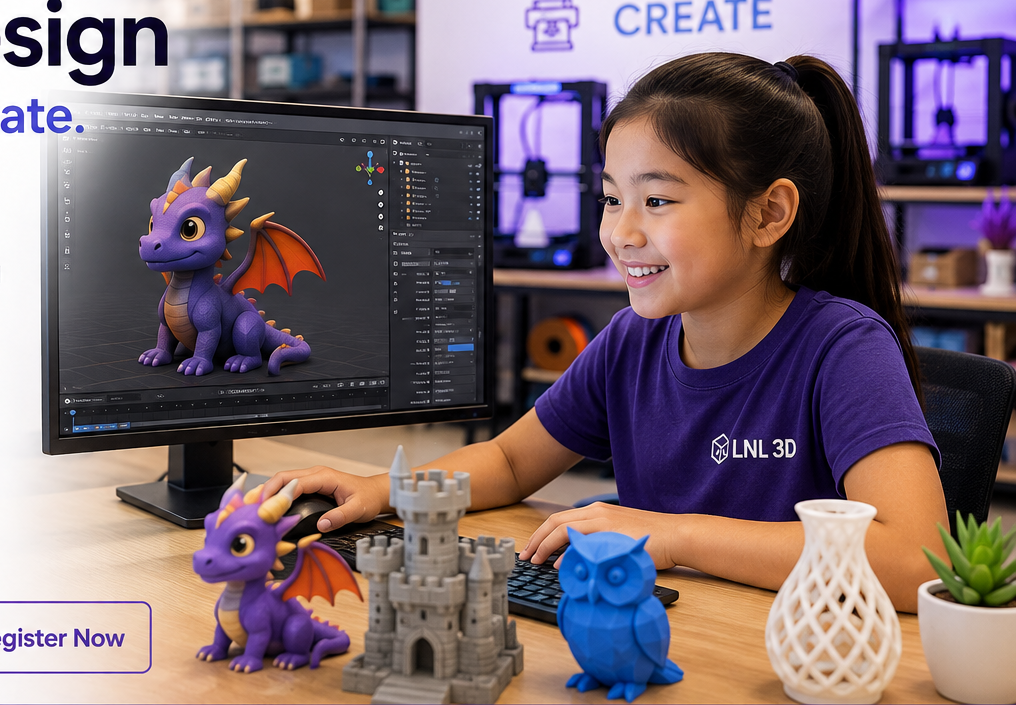
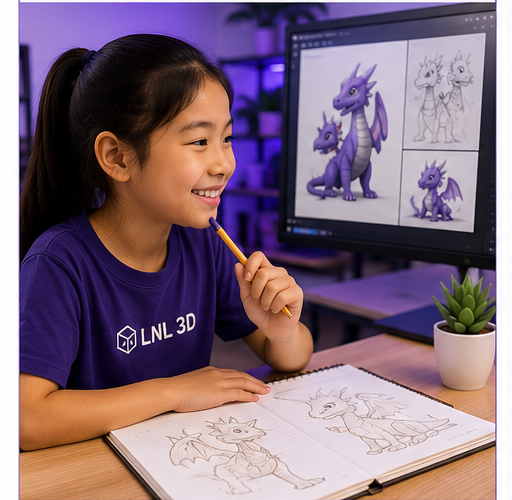
Develop ideas, explore forms, and turn imagination into clear 3D design concepts.
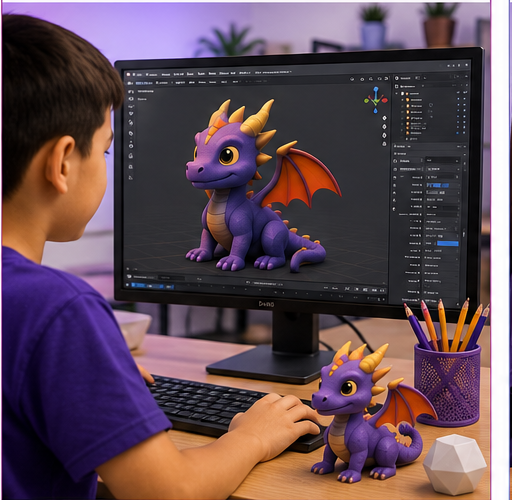
Learn Blender tools step by step to build, edit, shape, and refine original 3D models.
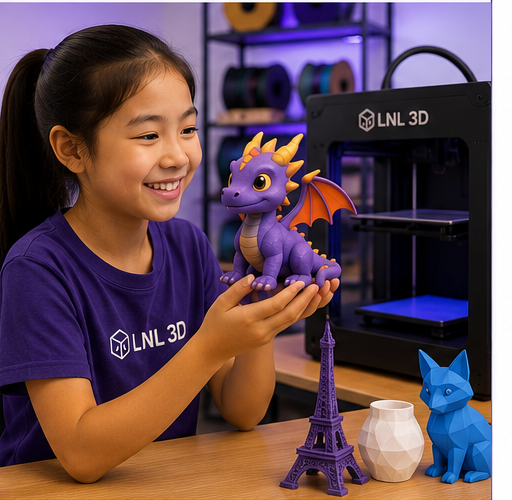
Complete creative 3D projects and prepare selected models to become real 3D printed objects.
Learn the Blender workspace and essential tools
Build and edit objects with confidence
Learn to improve designs through iteration
Create original models from your ideas
Bring selected digital creations into the real world
Students move from a creative idea to a finished Blender model, then prepare selected projects for 3D printing.
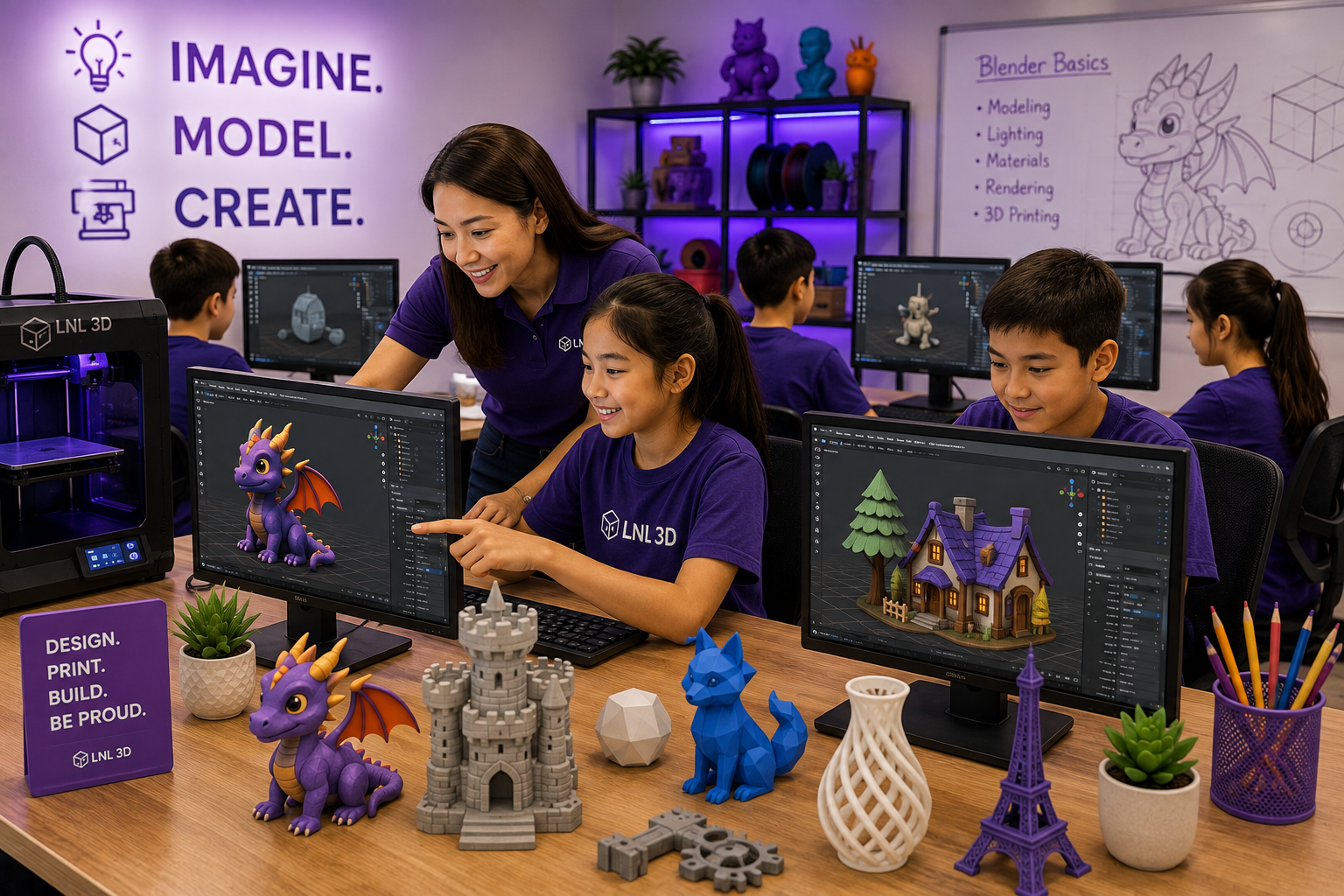
Choose a session that works best for your student.
Students progress from navigating Blender to creating original 3D models with increasing confidence, creativity, and independence.
Navigate the Blender interface, viewports, panels and essential controls.
Use core transform tools to position and shape objects accurately.
Create and edit meshes using practical beginner-friendly modeling techniques.
Combine simple forms to construct more complex objects and characters.
Explore useful tools that add form, smoothness and creative detail.
Learn camera-like viewpoints, object inspection and visual presentation.
Turn an idea or sketch into a workable three-dimensional design.
Check selected models and prepare suitable designs for the 3D printing workflow.
Blender 3D Creative Design is designed for students who want to turn imagination into three-dimensional characters, objects, and creative projects.
No previous Blender or CAD experience is required. The course combines creativity, spatial thinking, digital design, and hands-on project development.
Each stage builds toward greater independence in Blender and a complete idea-to-model creative workflow.
Learn the interface, navigation, view controls and essential shortcuts.
Create objects using primitives, transforms and simple modeling tools.
Edit meshes, add details and improve form through guided creative exercises.
Plan and build a character, object or creative model from an original idea.
Refine the final model, present the design and prepare suitable projects for 3D printing.
By the end of the course, students should be able to navigate Blender with greater independence, build and edit original 3D models, apply creative problem-solving, and complete a personal 3D design project.
No. This course is designed to give beginners a clear and friendly starting point.
No. Classroom computers and the required software are provided during class.
Students build 3D objects, characters, and creative models while completing guided and original projects.
Selected projects can be prepared for 3D printing so students can connect digital design with a real physical result.
Students can continue into Onshape, Fusion 360, robotics, advanced 3D design, and engineering-focused LNL 3D programs.
Give your student the skills to turn ideas into original 3D models and build confidence using Blender as a real creative design tool.
View Available Sessions Register Now