Understand
Learn how 3D printing works and explore the parts, materials, and technology behind it.
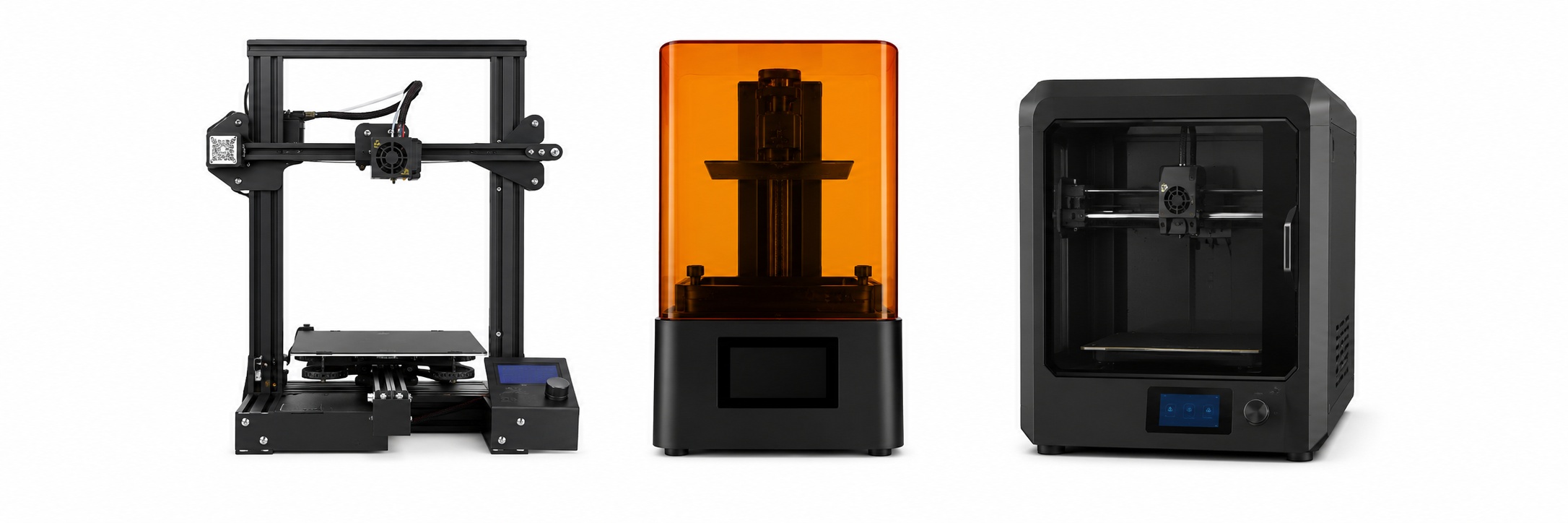
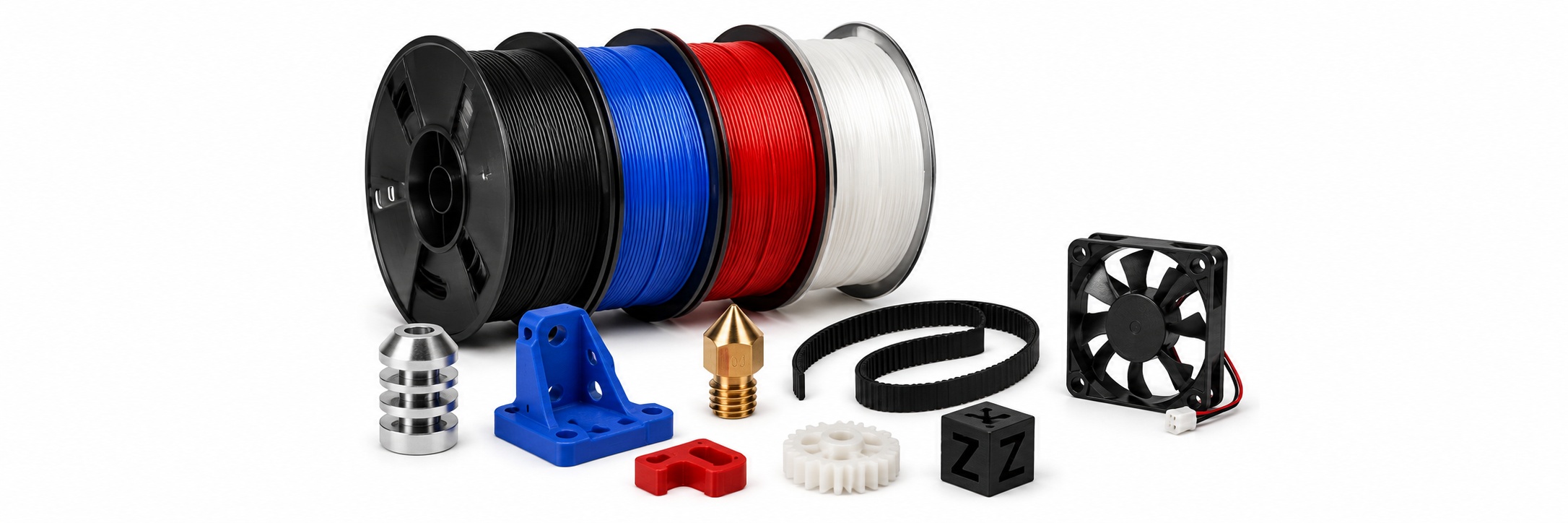
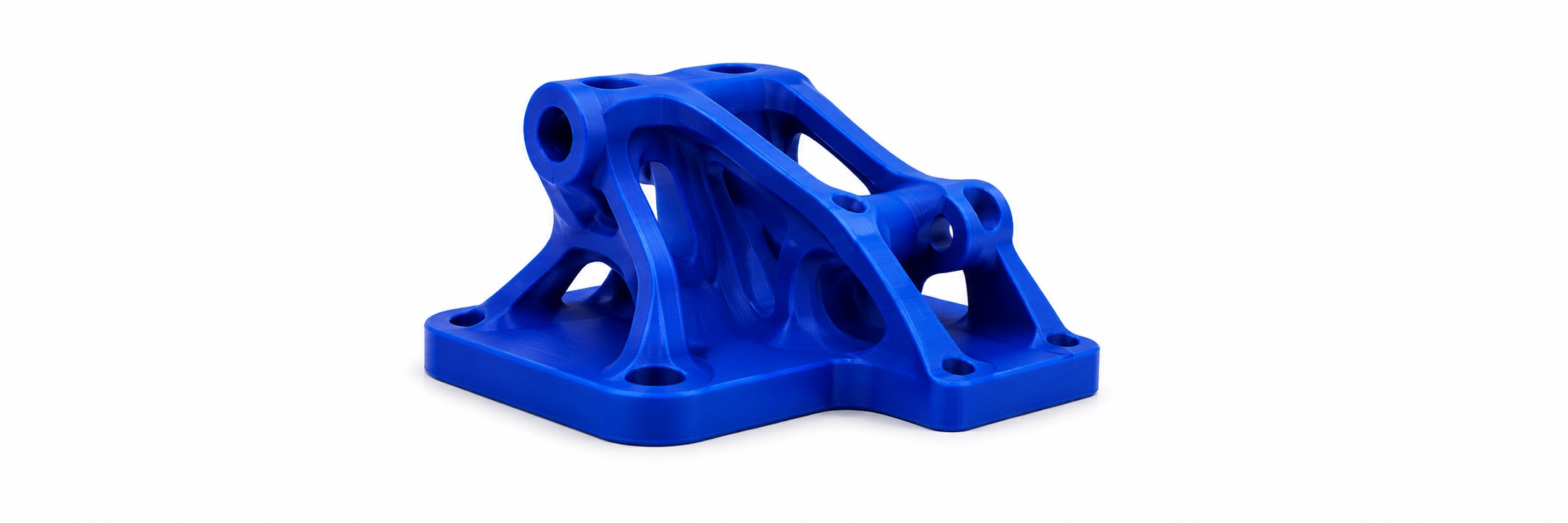
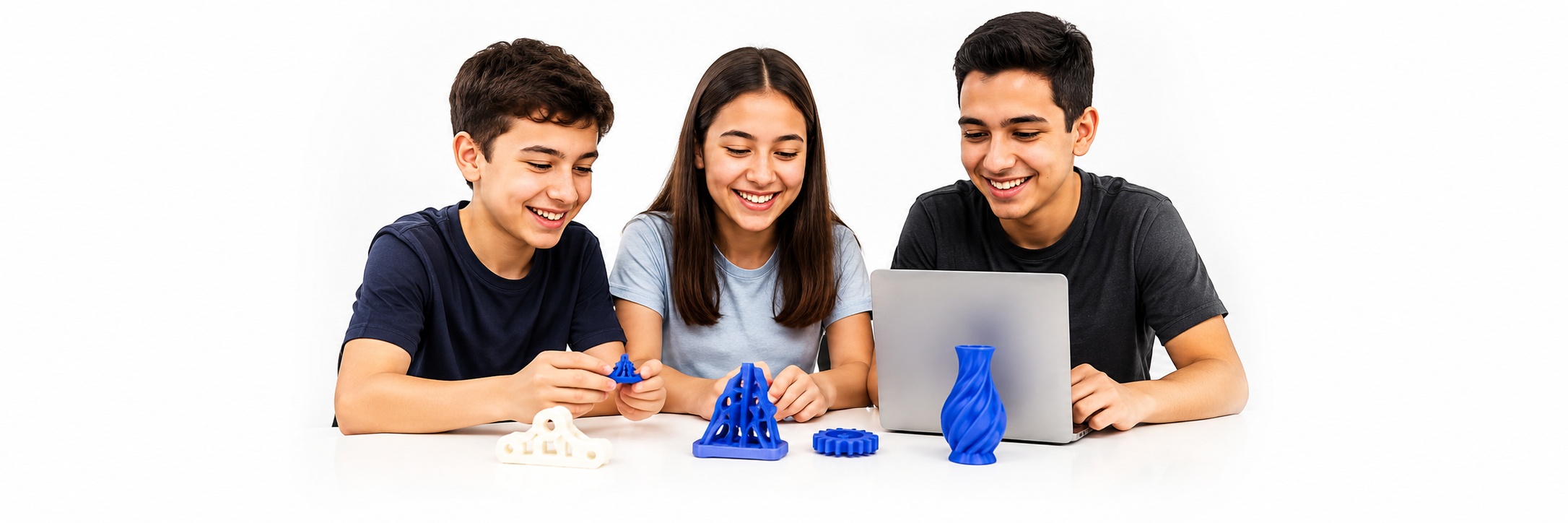
The perfect first step into the world of 3D printing! Students will learn how 3D printers work, how to operate and maintain them, and how to design and print their own amazing creations.
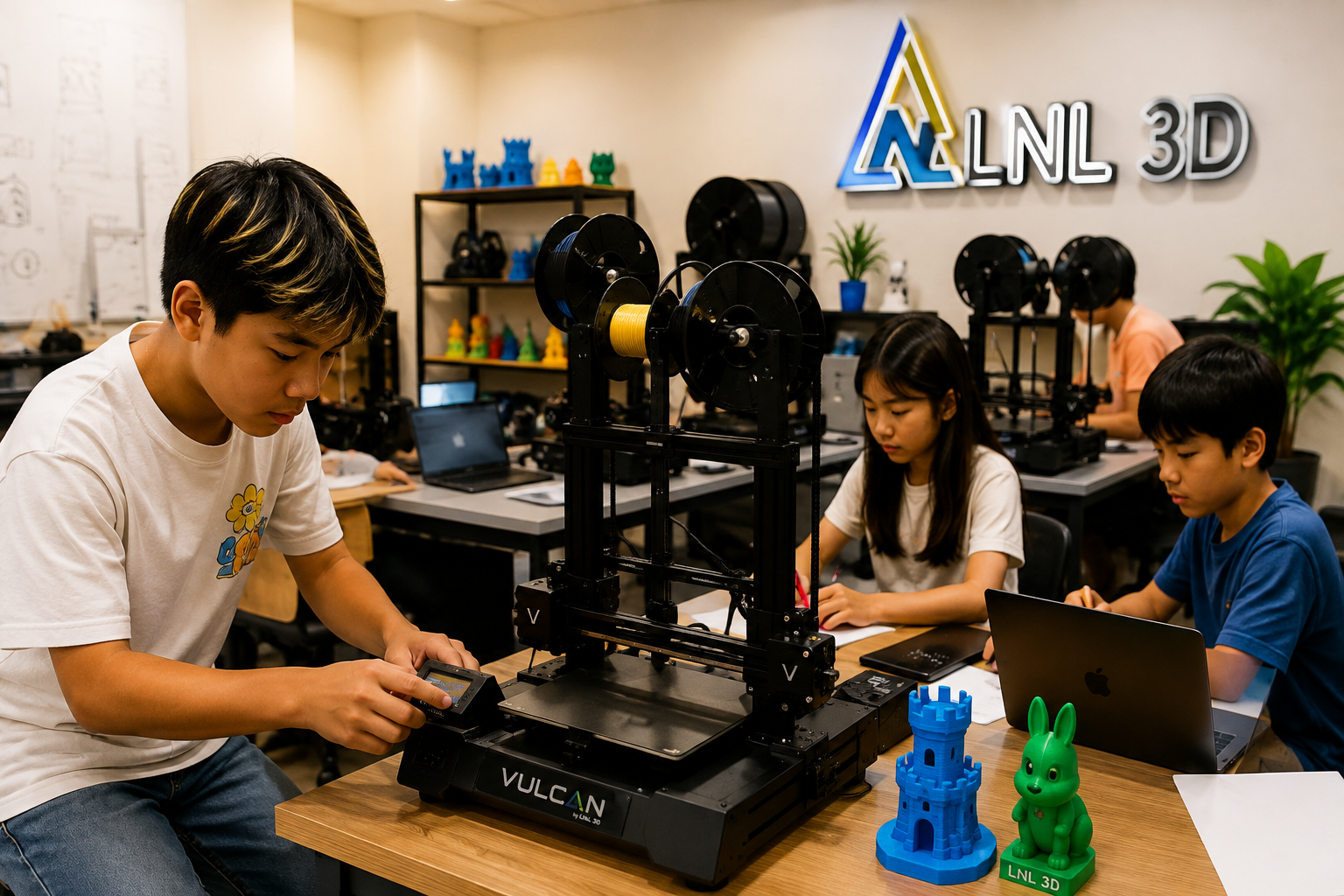
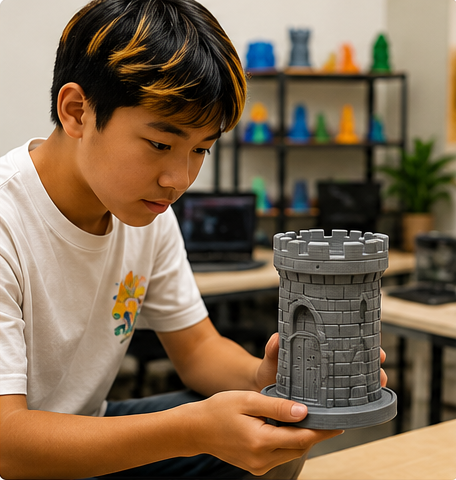
Learn how 3D printing works and explore the parts, materials, and technology behind it.
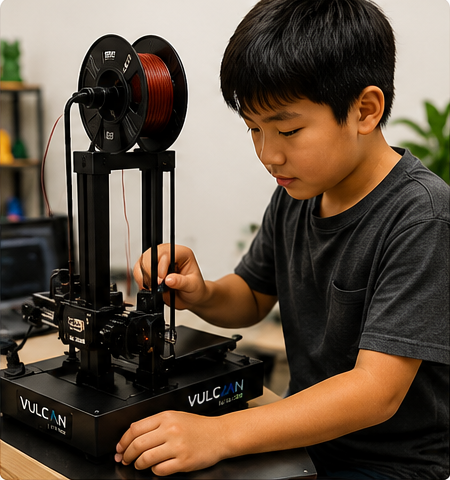
Hands-on experience with real 3D printers—set up, print, and troubleshoot with confidence.
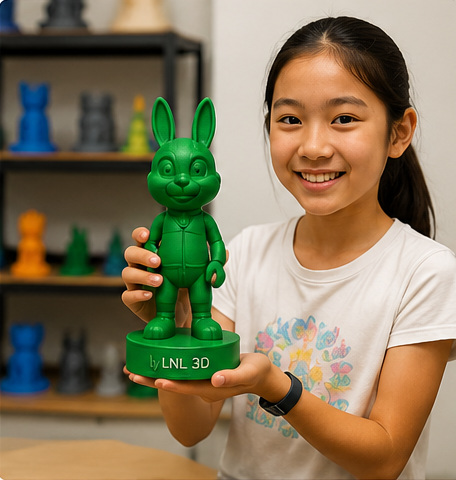
Design and print your own 3D models and bring your ideas to life with every project.
Learn with professional FDM 3D printers
Keep printers in top condition
Solve common printing problems
Create your own 3D models
Fun, practical, and rewarding
Students experience the complete process from idea to finished print.
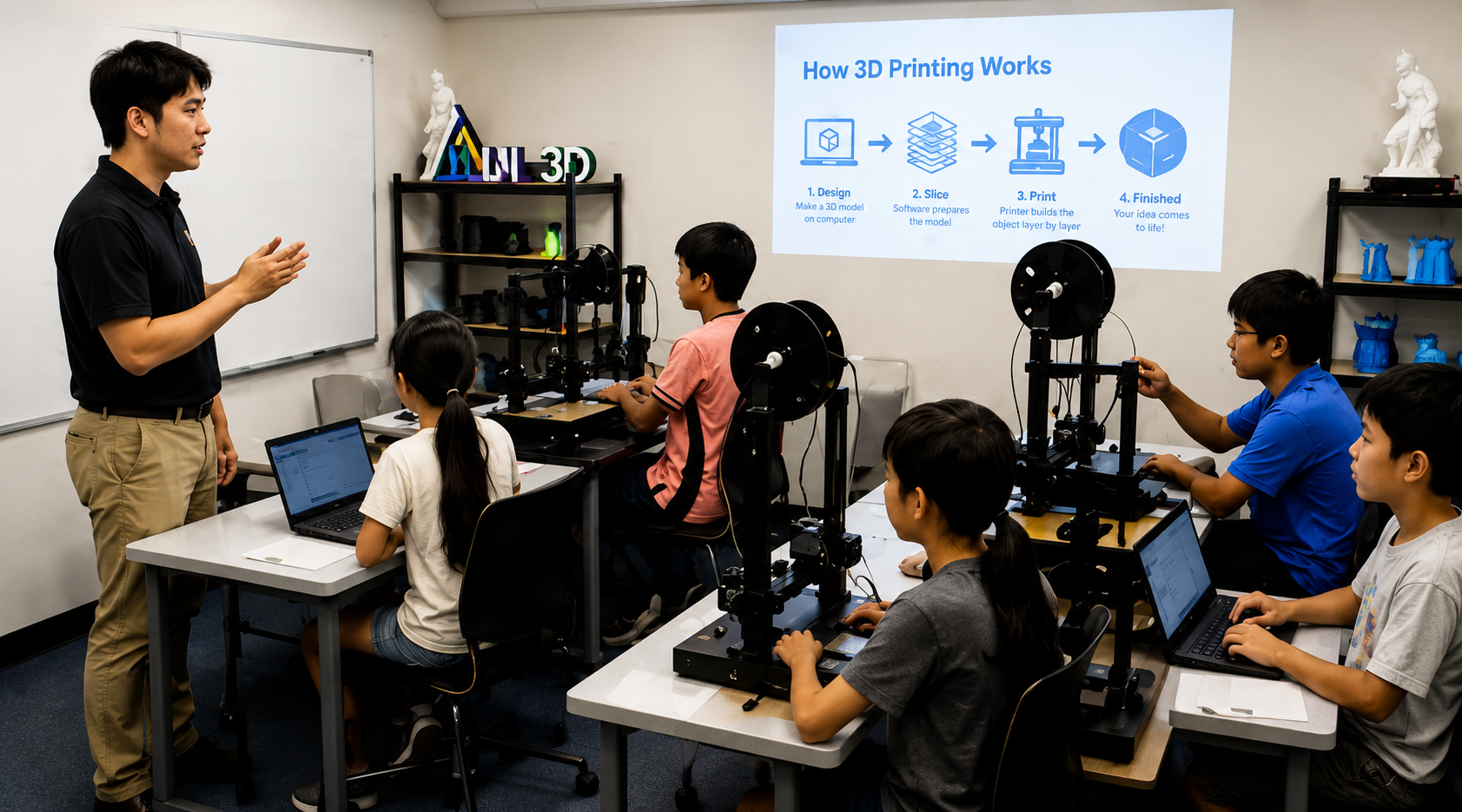
Choose a session that works best for your student.
Students move from simply watching a printer work to understanding how to operate, maintain and troubleshoot it with increasing independence.
Understand the basic FDM printing process and how a digital model becomes a physical object.
Identify the major parts of a 3D printer and understand what each component does.
Learn startup, filament loading, print preparation and safe operating habits.
Understand bed preparation, leveling concepts and why the first layer matters.
Practice cleaning, nozzle care, bed care and routine maintenance procedures.
Recognize common print failures and follow a logical process to identify likely causes.
Learn the purpose of slicing and the basic settings that affect a print.
Create or prepare a simple model and take it through the complete printing workflow.
3D Printing 101 is designed for students who are new to 3D printing or who have some experience but want a stronger technical foundation.
No previous 3D printing or CAD experience is required. The course combines creativity with equipment knowledge, engineering thinking and practical problem solving.
Each session builds toward greater independence with 3D printing equipment and the complete design-to-print workflow.
How FDM works, printer components, safety and basic operation.
Preparing the printer, loading filament, starting a print and understanding the first layer.
Cleaning, bed care, nozzle care, filament handling and routine maintenance.
Print failures, adhesion issues, clogging, layer problems and basic diagnosis.
Basic 3D design, preparing a model, printing a personal project and building independent skills.
By the end of the course, students should be able to operate a basic FDM 3D printer with greater independence, perform routine printer care, recognize common printing problems, and complete simple 3D printing projects from design to finished print.
No. 3D Printing 101 is designed for beginners.
No. Classroom equipment is provided during class.
Yes. Students are introduced to basic 3D design and complete simple design-to-print projects.
No. The course combines creativity with printer operation, maintenance, engineering thinking and troubleshooting.
Students can continue into CAD, 3D design, robotics, advanced 3D printing and engineering-focused LNL 3D programs.
Give your student the skills to understand, operate, maintain and confidently use 3D printing as a real creative and engineering tool.
View Available Sessions Register Now